



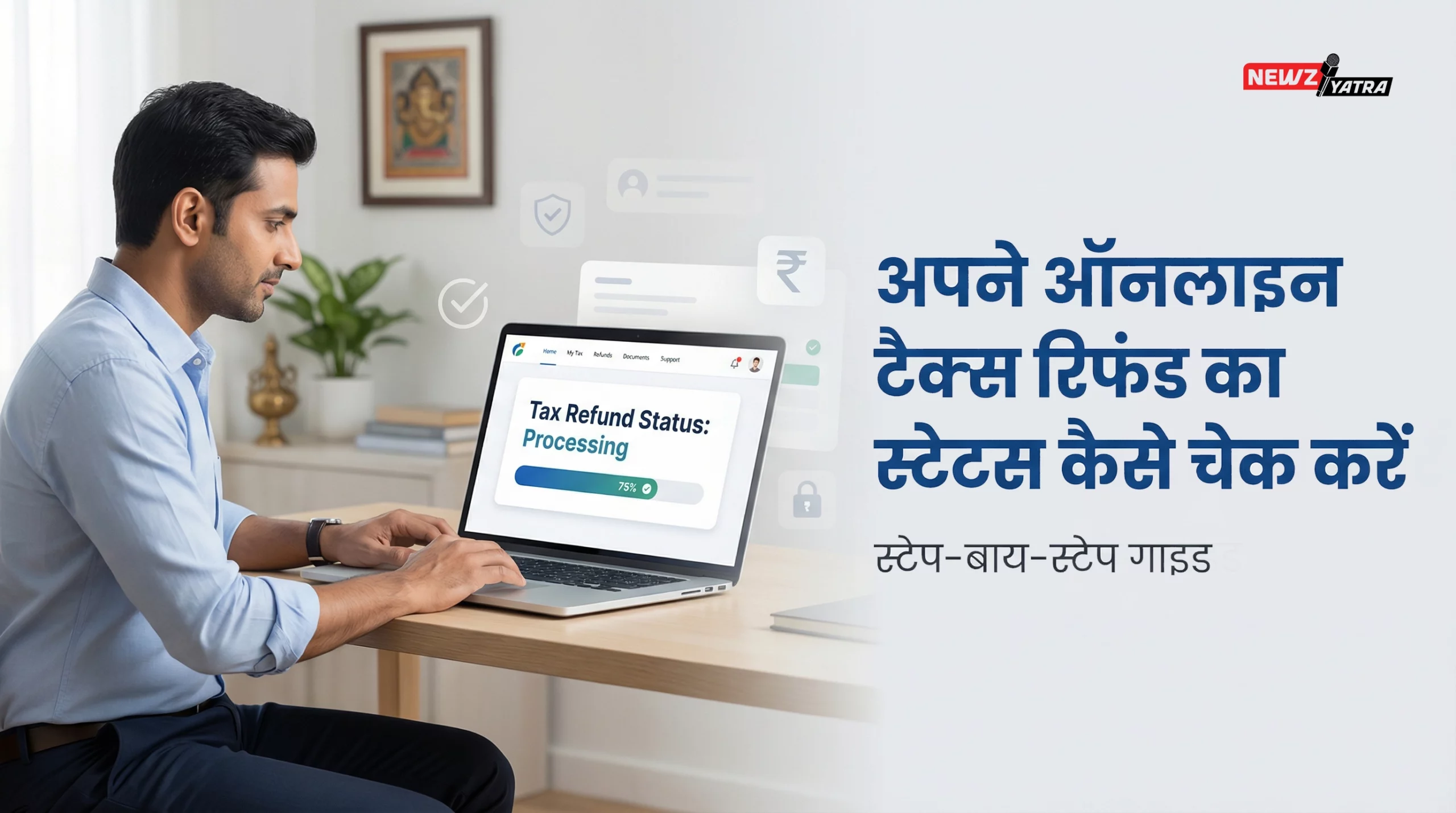

अपने ऑनलाइन टैक्स रिफंड का स्टेटस कैसे चेक करें।

ऑनलाइन Tax Refund Status क्या होता है?
How to Check Income Tax Refund Status Online- जब आप ITR (Income Tax Return) फाइल करते हैं और आपकी रिटर्न प्रोसेस होने के बाद रिफंड बनता है, तो उसका पैसा बैंक में आने से पहले उसकी processing + refund issue वाली स्थिति अलग-अलग स्टेज में दिखती है। उसी को Refund Status कहते हैं।

Tax Refund Status चेक करने से पहले क्या चीज़ें तैयार रखें |
- PAN नंबर
- Assessment Year (AY) (जिस साल की रिटर्न फाइल की है)
- Acknowledgement Number (ITR-V का)
- जिस Bank Account में रिफंड आना है वह pre-validated और PAN से linked हो (बेहतर)
Income Tax e-Filing Portal से Refund Status चेक करें (सबसे सही तरीका):
1. Income Tax Portal खोलें:
- Google में सर्च करें: “Income Tax efiling portal login”
- Official साइट खोलें: incometax.gov.in
2. Login करें
- User ID = PAN
- Password + OTP/validation के साथ Login
3. “e-File” या “Services” में जाएँ
पोर्टल के मेनू में ये विकल्प दिखते हैं (UI बदल सकता है, पर concept same रहेगा):
- e-File → Income Tax Returns → View Filed Returns
या
- Services → View Filed Returns / Filed Returns
4. सही Assessment Year चुनें
- जिस साल की रिटर्न की refund status देखनी है, वही AY select करें।
- Example: FY 2024-25 की ITR = AY 2025-26
5. Return details खोलें
आपको आपकी filed ITR की entry दिखेगी। उस पर क्लिक करके:
- Status / Refund Status / Demand Status जैसी जानकारी दिखेगी।
6. Refund Status समझें (Portal पर क्या-क्या दिख सकता है)
कुछ common statuses: (How to Check Income Tax Refund Status Online)
- Return Submitted / Successfully e-Verified (प्रोसेसिंग शुरू होने से पहले)
- Processed (रिटर्न प्रोसेस हो गई)
- Refund Determined and Sent Out to Refund Banker (रिफंड बैंक को भेज दिया)
- Refund Issued (रिफंड जारी हो गया—bank में क्रेडिट होना चाहिए)
- No Refund (रिफंड नहीं बन रहा)
- Refund Failed (account issue—IFSC/account/validation problem)
- Demand Outstanding (बकाया टैक्स adjust हो सकता है)
NSDL / Protean (TIN) साइट से Refund Status चेक करें (Quick method) (How to Check Income Tax Refund Status Online)
यह तरीका तब काम आता है जब आप portal login नहीं करना चाहते।
1. Google करें:
“TIN NSDL refund status” या “Protean refund status”
2. “Status of Tax Refund” पेज खोलें:
वहाँ आपको fields मिलेंगी:
3. Details भरें:
- PAN
- Assessment Year
- Captcha
4. Submit करें:
यहाँ आपको refund status का short summary दिखेगा, जैसे:
- Refund issued / date
- Refund not determined / under process
- Refund failed आदि
5. Bank Account में Refund आया या नहीं—ऐसे verify करें| (How to Check Income Tax Refund Status Online)
कई बार portal पर “Refund Issued” आ जाता है और पैसा 1–3 working days में दिखता है।
- अपना net banking / UPI / bank app खोलें
- Statements में जाएँ
- Search करें:
- “IT REFUND”
- “INCOME TAX REFUND”
- “CPC”
- Amount और date मिल जाएगी।
Refund “Failed” दिखे तो क्या करें? (How to Check Income Tax Refund Status Online)
Refund fail होने के common reasons:
- Bank account pre-validated नहीं है
- IFSC गलत / account बंद
- PAN और account holder name mismatch
- Account not linked for refund
Solution Steps:
- Income Tax portal login
- Profile → Bank Account / My Bank Account
- सही account add करें (या existing account select करें)
- Pre-Validate करें (OTP/Netbanking verification जो भी portal मांगे)
- फिर Refund Reissue / Request for Refund Reissue (अगर option मिले)
Refund “Processed but not received” हो तो क्या करें? (How to Check Income Tax Refund Status Online)
- पहले portal status देखो—Refund issued है या नहीं
- Bank statement में search करके confirm करें
- अगर “Sent to Refund Banker” है, तो 2–7 working days तक लग सकते हैं
- ज्यादा delay हो, तो portal में:
- Grievance / e-Nivaran से complaint raise कर सकते हैं
- या helpdesk पर query डाल सकते हैं
Refund कितने दिन में आता है ? (How to Check Income Tax Refund Status Online)
ITR e-Verification के बाद processing शुरू होती है।
Refund timing depend करता है:
- Return type
- Income complexity
- Verification status
आमतौर पर refund processing के बाद issue होता है।
Important SEO Keywords:
- income tax refund status चेक online
- ITR refund status कैसे चेक करे
- NSDL refund status चेक
- refund issued but not received
- income tax refund reissue
Conclusion
Income Tax Refund Status online check करना बहुत आसान है। आप official e-filing portal या NSDL website से कुछ ही मिनटों में अपना refund status जान सकते हैं।
अगर refund failed हो जाए तो bank details verify करें और reissue request डालें।
समय पर status check करना जरूरी है ताकि किसी भी error को जल्दी ठीक किया जा सके।
यह भी देखे – पैसे इन्वेस्ट करने का बिल्कुल सही तरीका जानिए हिंदी में।